Configuring SBC
This section describes the actions to perform on the SBC device.
| ➢ | Do the following: |
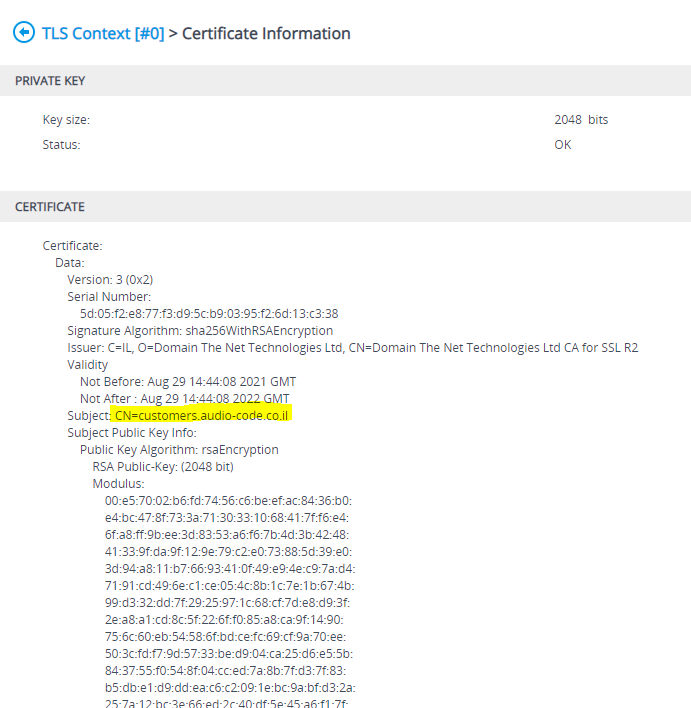
| 1. | Install SSL certificates on managed SBC devices (refer to "Install Custom Certificates on OVOC Managed Devices" in the IOM manual). You must define two TLS contexts, one for the UMP-365 Management connection and one for the Microsoft Teams connection (Wildcard certificate) i.e. a separate TLS context must be defined for each service provider. |

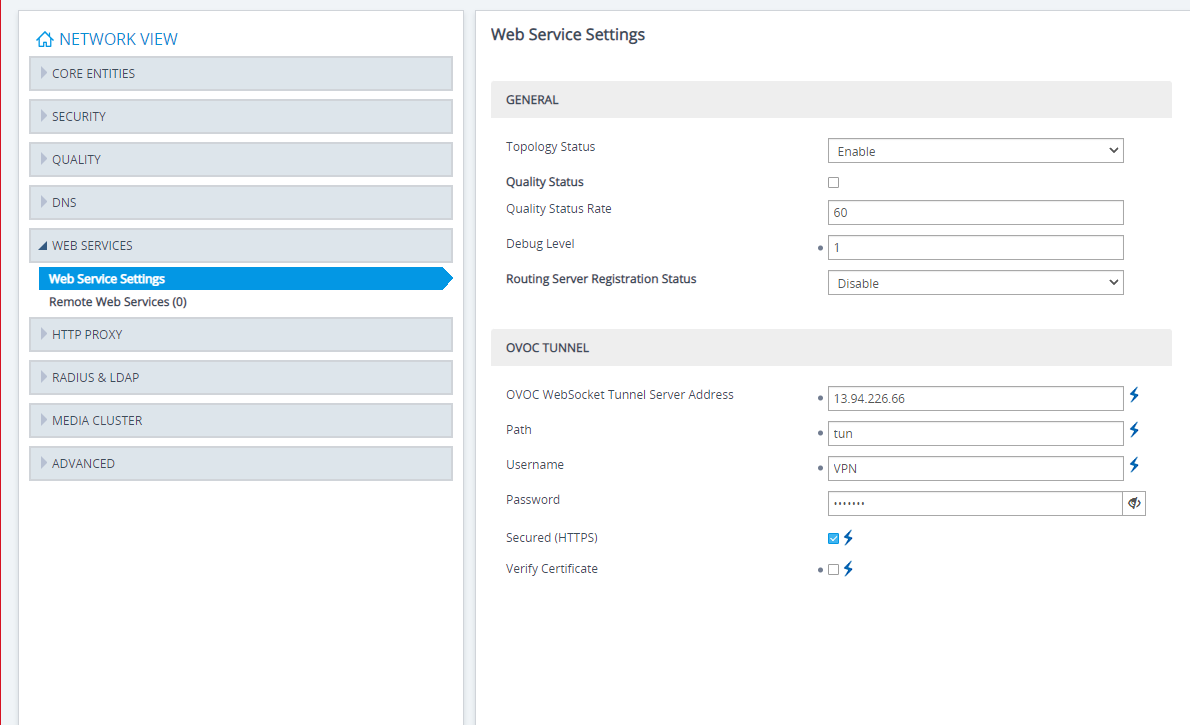
| 2. | Configure the OVOC Tunnel parameters that you configured in Configuring WebSocket Tunnel (Cloud Architecture Mode) on OVOCConfiguring WebSocket Tunnel (Cloud Architecture Mode) on OVOC. |
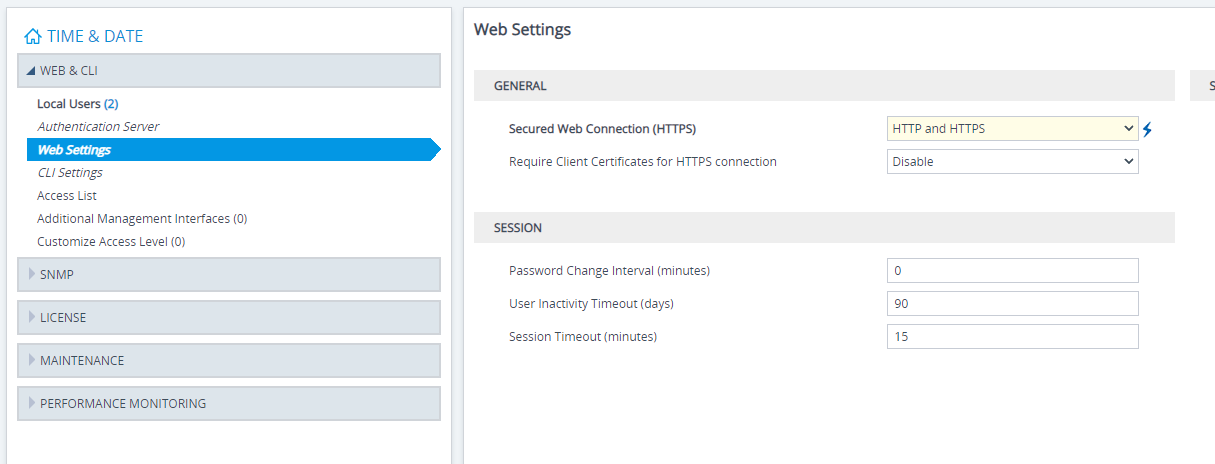
| 3. | Set parameter Secured Web Connection (HTTPS) to one of the following: |
| ● | HTTP and HTTPS |
| ● | HTTPS Only |